
GAMEPADS Game Joystick Dual Vibration Turbo For Playstion5/PS5/PC Wireless Controller BT Adaptives Trigger External mic
white
$79.36
Skip to product information

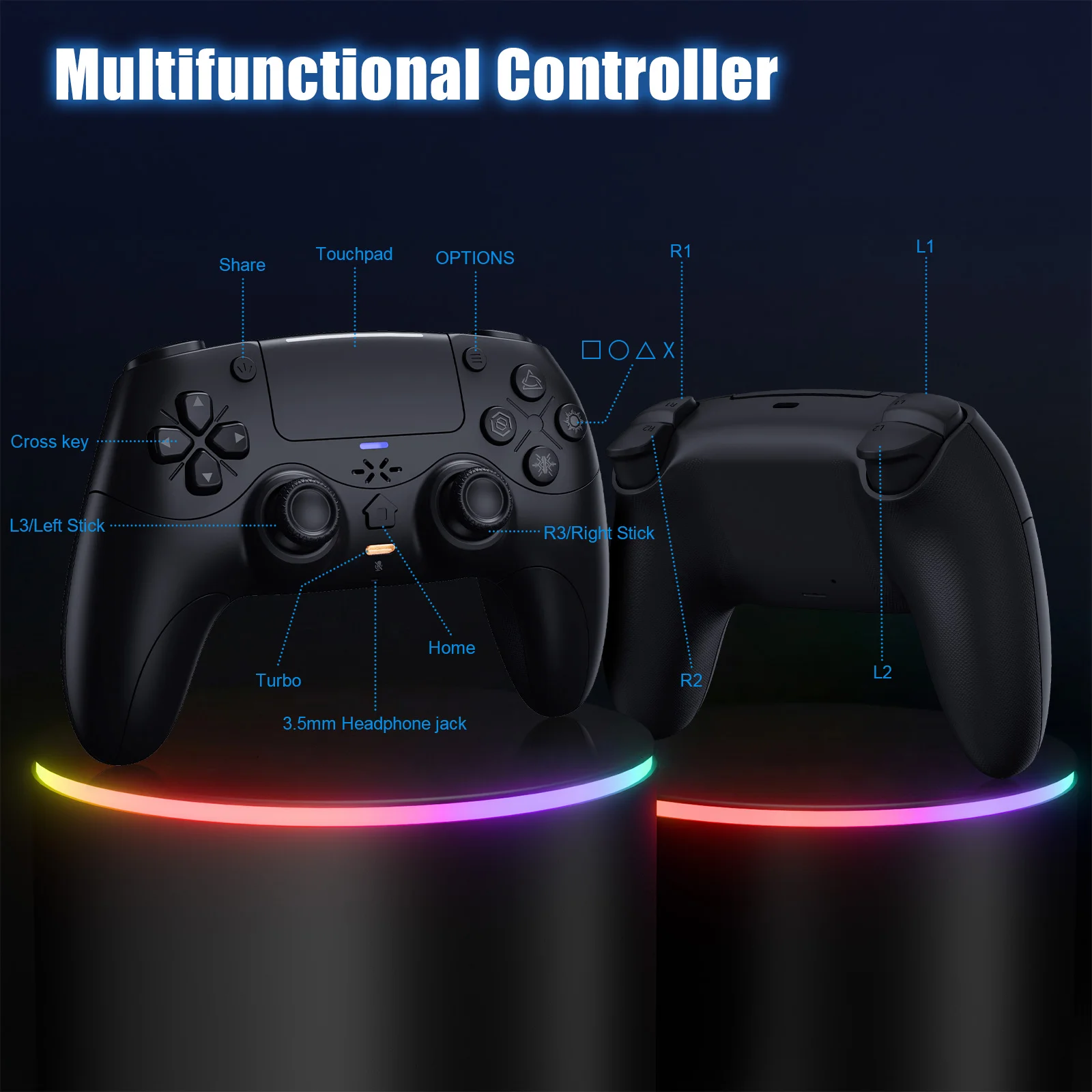
PC Wired Connection:
👋1.Power on the PC
2.The controller connects to the computer via a USB-C cable.
Note:
Bluetooth Connection:
For PC/iOS/MAC and Steam Deck
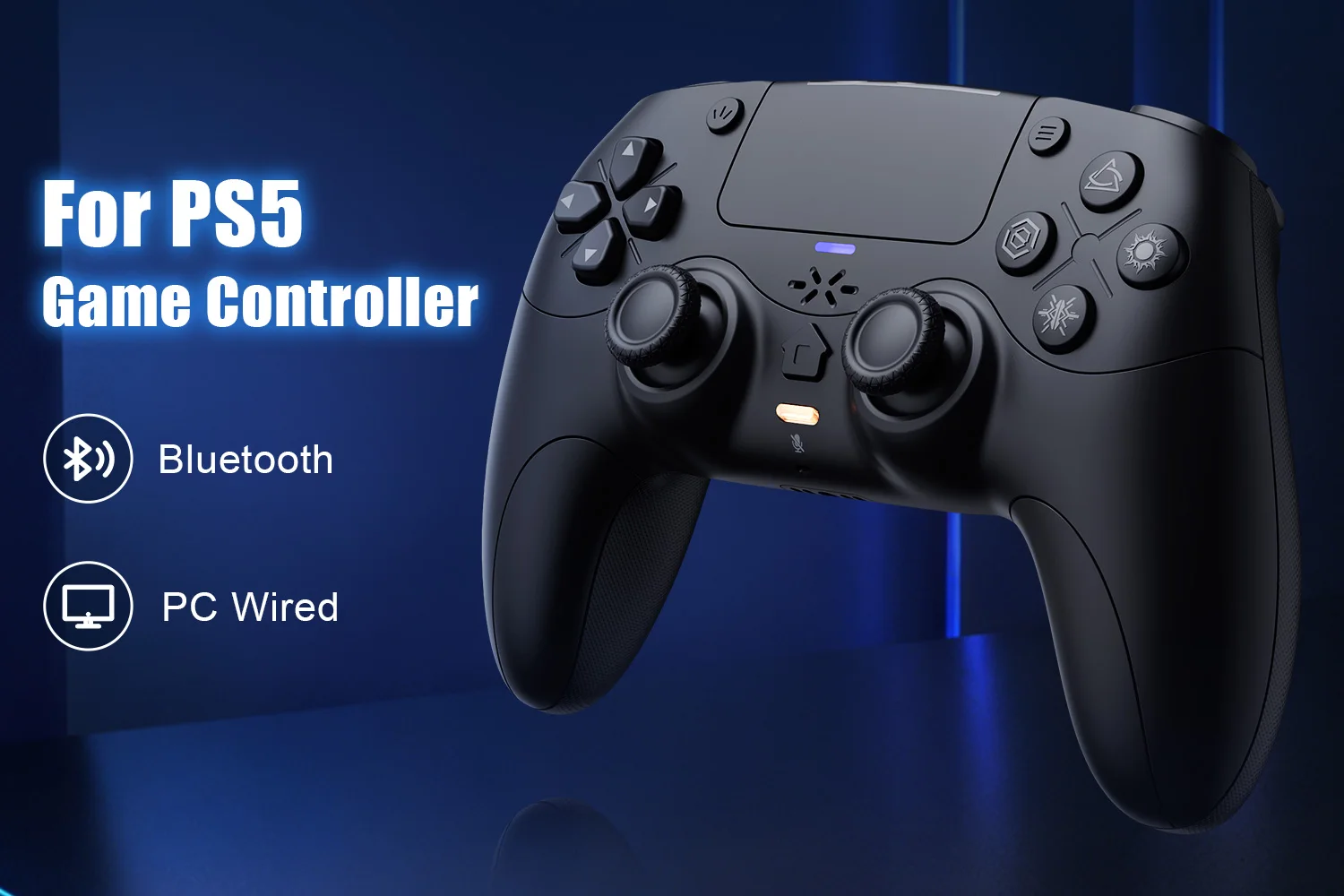
🎮1.Turn on Bluetooth on the PC.
Mute Function:
1. Briefly press the mute button; the mute indicator light will remain on, indicating that the controller's microphone is muted.


GAMEPADS Game Joystick Dual Vibration Turbo For Playstion5/PS5/PC Wireless Controller BT Adaptives Trigger External mic
$79.36
SPECIFICATIONS
Battery Included: Yes
Blue-tooth Gamepad: For Playstation 5 Controller
Brand Name: Bonadget
Bumpers Switch Type: MICRO SWITCH
Certification: CE
Compatible Brand/Model: PC
Compatible Platform: playstation,PC
D-pad Switch Type: Tactile switch
Hall Effect: Yes,Yes
High-concerned chemical: None
Interface Type: Bluetooth,Blue-tooth
Model Number: RH-5189
Origin: Mainland China
PC System: Windows 10
Package: Yes
RGB lighting joysticks: Yes
Support Software configuration: Yes
Trigger Button Type: Hall-Linear
Turbo Dual: Vibrate Programming
Type: Gamepads
PS-5 Host Connection Method:
👉!!! Note: The first time a new controller connects to PS-5,a wired connection is required.
1.When the controller is turned off, connect it to PS-5 via USB cable, then press the "PS button" to connect to PS-5.
2.When the wired connection is successful, disconnect the USB cable and press the "PS" button to connect to PS-5 wirelessly.
👉!!! Note: The first time a new controller connects to PS-5,a wired connection is required.
1.When the controller is turned off, connect it to PS-5 via USB cable, then press the "PS button" to connect to PS-5.
2.When the wired connection is successful, disconnect the USB cable and press the "PS" button to connect to PS-5 wirelessly.
PC Wired Connection:
👋1.Power on the PC
2.The controller connects to the computer via a USB-C cable.
Note:
1. Connect the controller to your computer via USB cable. The computer will automatically install the driver. The controller supports both PS-5 wired audio and X-input modes. After connecting via USB wired connection, it defaults to PS-5 wired audio. Press and hold the + button for 3 seconds to switch to X-input mode.
2. PC display names:
PS-5 Wired: DualSenes Wireless Controller --- Light is blue
X-input: PS-5 Controller for Windows --- Light is green
2. PC display names:
PS-5 Wired: DualSenes Wireless Controller --- Light is blue
X-input: PS-5 Controller for Windows --- Light is green
Bluetooth Connection:
For PC/iOS/MAC and Steam Deck
🎮1.Turn on Bluetooth on the PC.
2. With the controller powered off, first press and hold this button, then press the PS combination button ( +PS) for 3 seconds. The indicator light will flash, and the controller will enter pairing mode. Then release the button.
3.Search for Bluetooth "DualSenes Wireless Controller" and click to connect.
4.The controller supports Apple devices with iOS13.0 and above; the Mac
platform supportswired connection and wired audio functionality.5.Steam Deck supports wired connections and wired audio functionality (when connected to Steam Deck in PC mode, the mode can be switched).
6.A Type-C to USB adapter cable is required for wired connection between MAC and Steam Deck.
3.Search for Bluetooth "DualSenes Wireless Controller" and click to connect.
4.The controller supports Apple devices with iOS13.0 and above; the Mac
platform supportswired connection and wired audio functionality.5.Steam Deck supports wired connections and wired audio functionality (when connected to Steam Deck in PC mode, the mode can be switched).
6.A Type-C to USB adapter cable is required for wired connection between MAC and Steam Deck.
Mute Function:
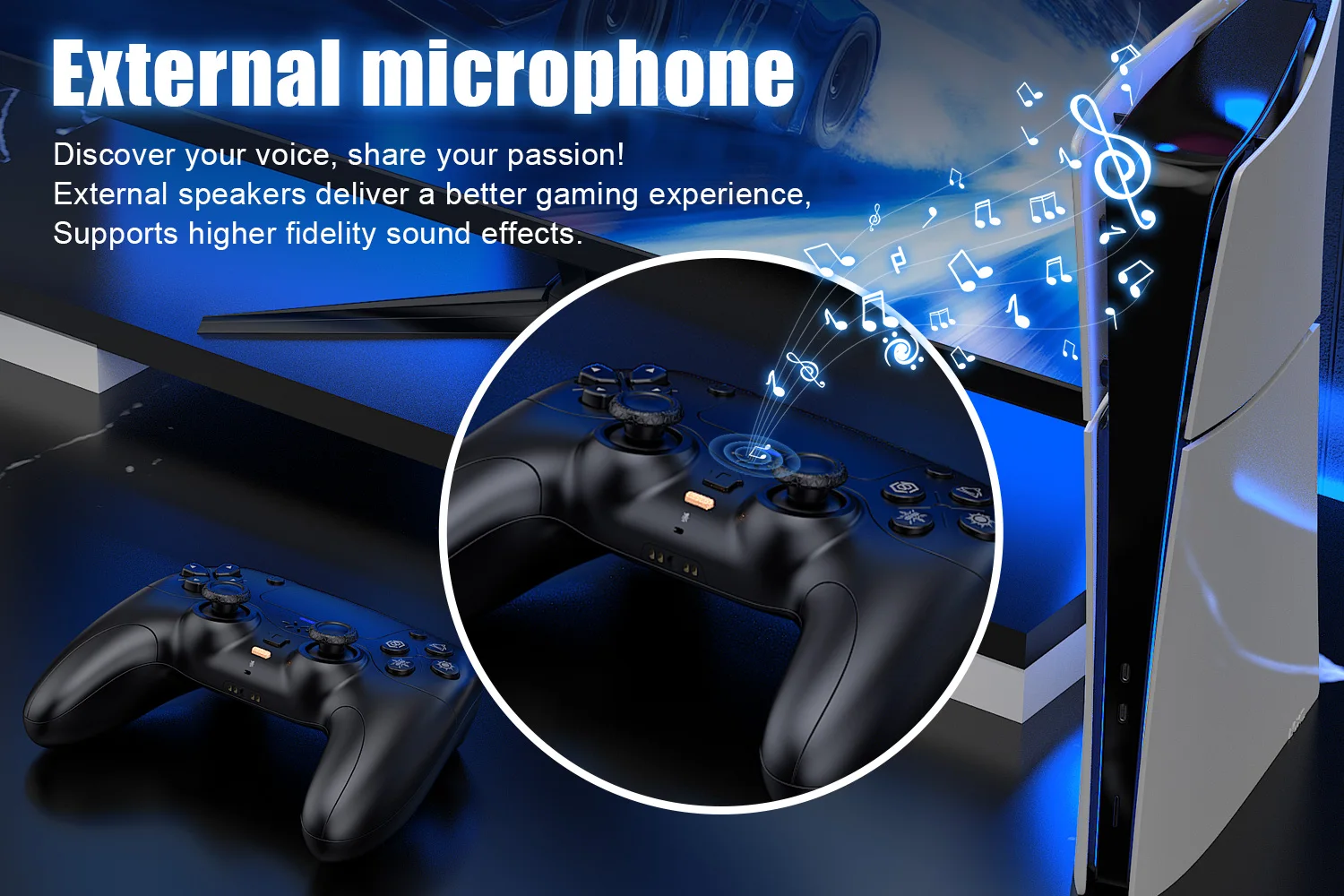
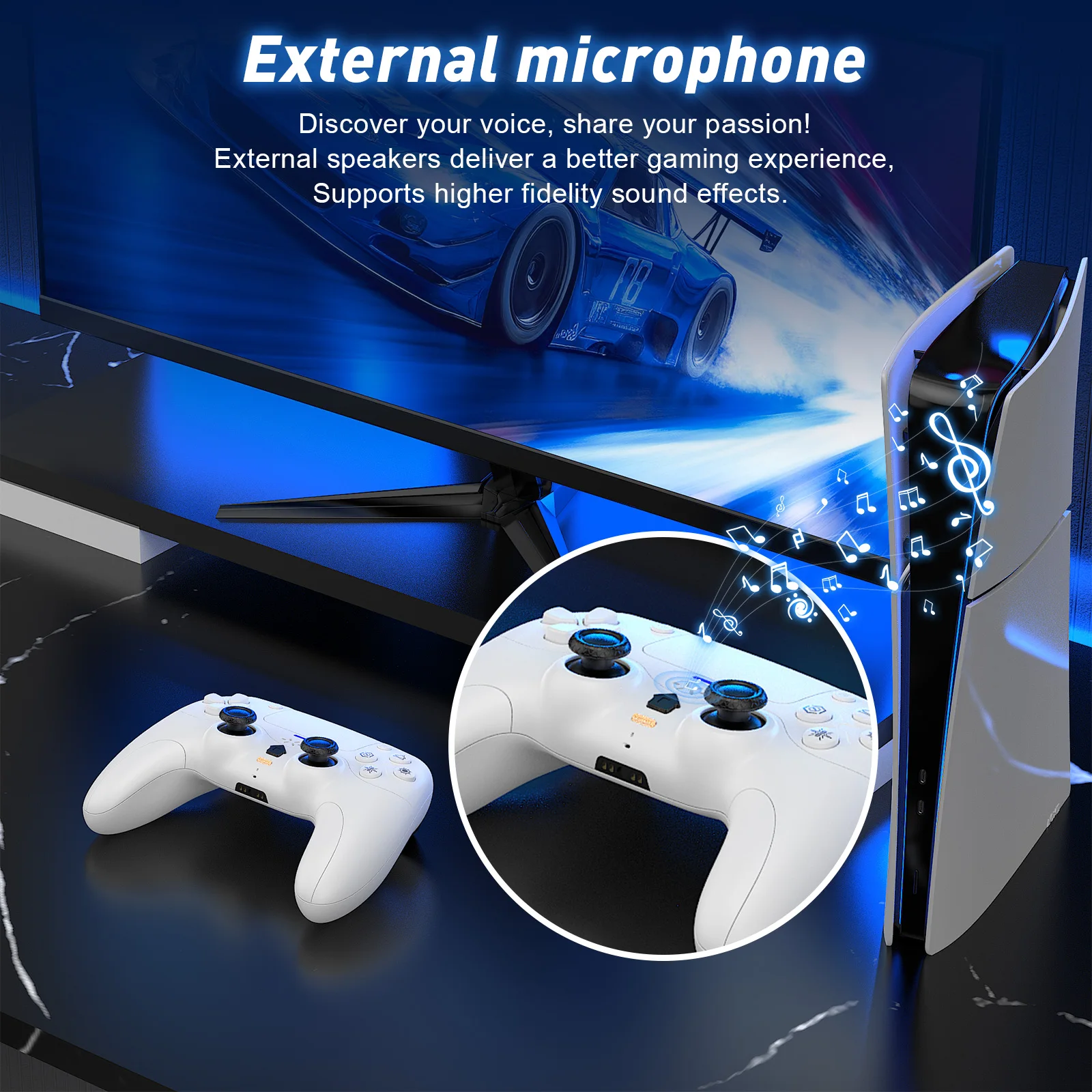
1. Briefly press the mute button; the mute indicator light will remain on, indicating that the controller's microphone is muted.
2. Press and hold the mute button; the mute indicator light will flash in a cycle, indicating that all audio (including vibration) from the controller is muted
Linear Motors:
Linear Motors:
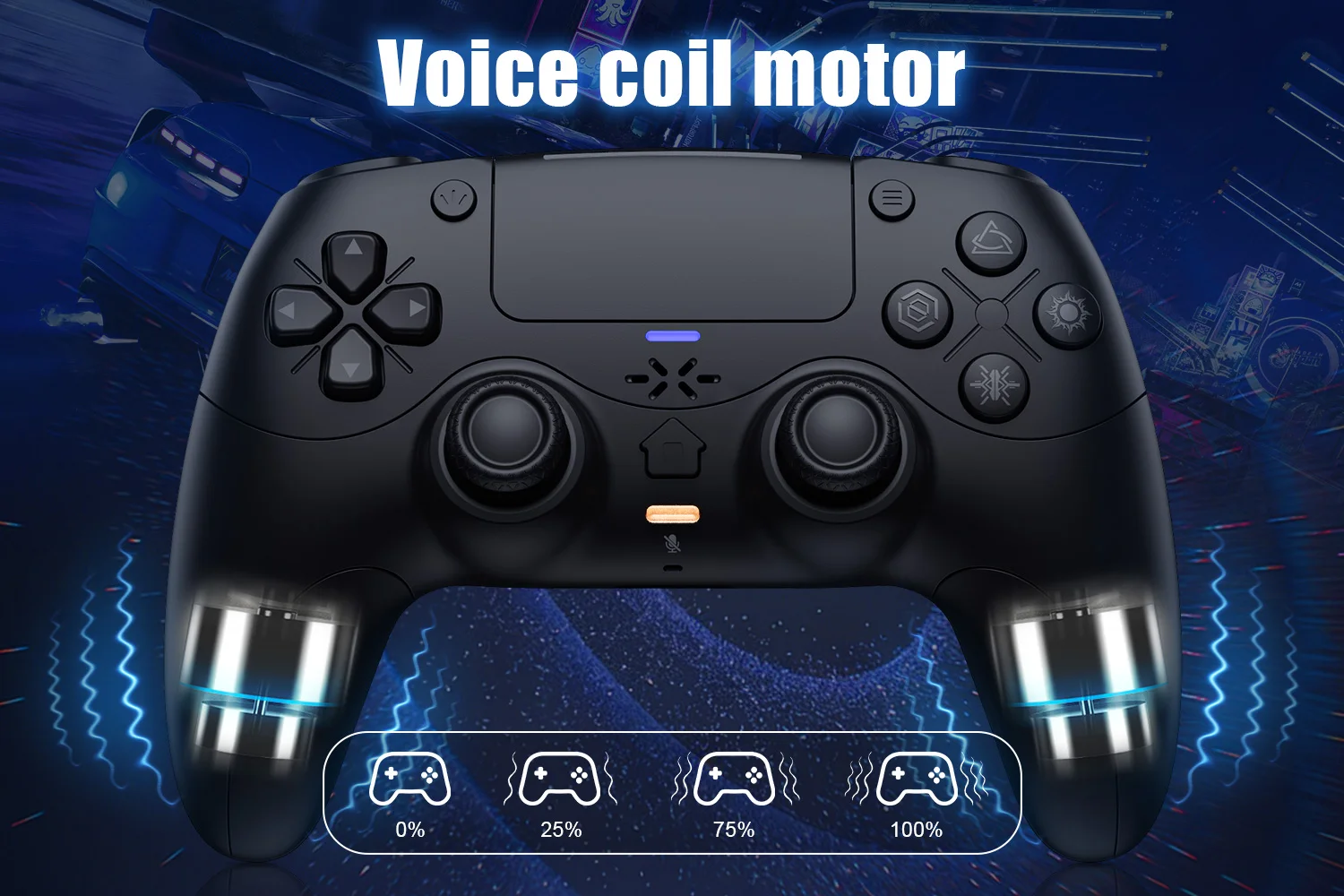
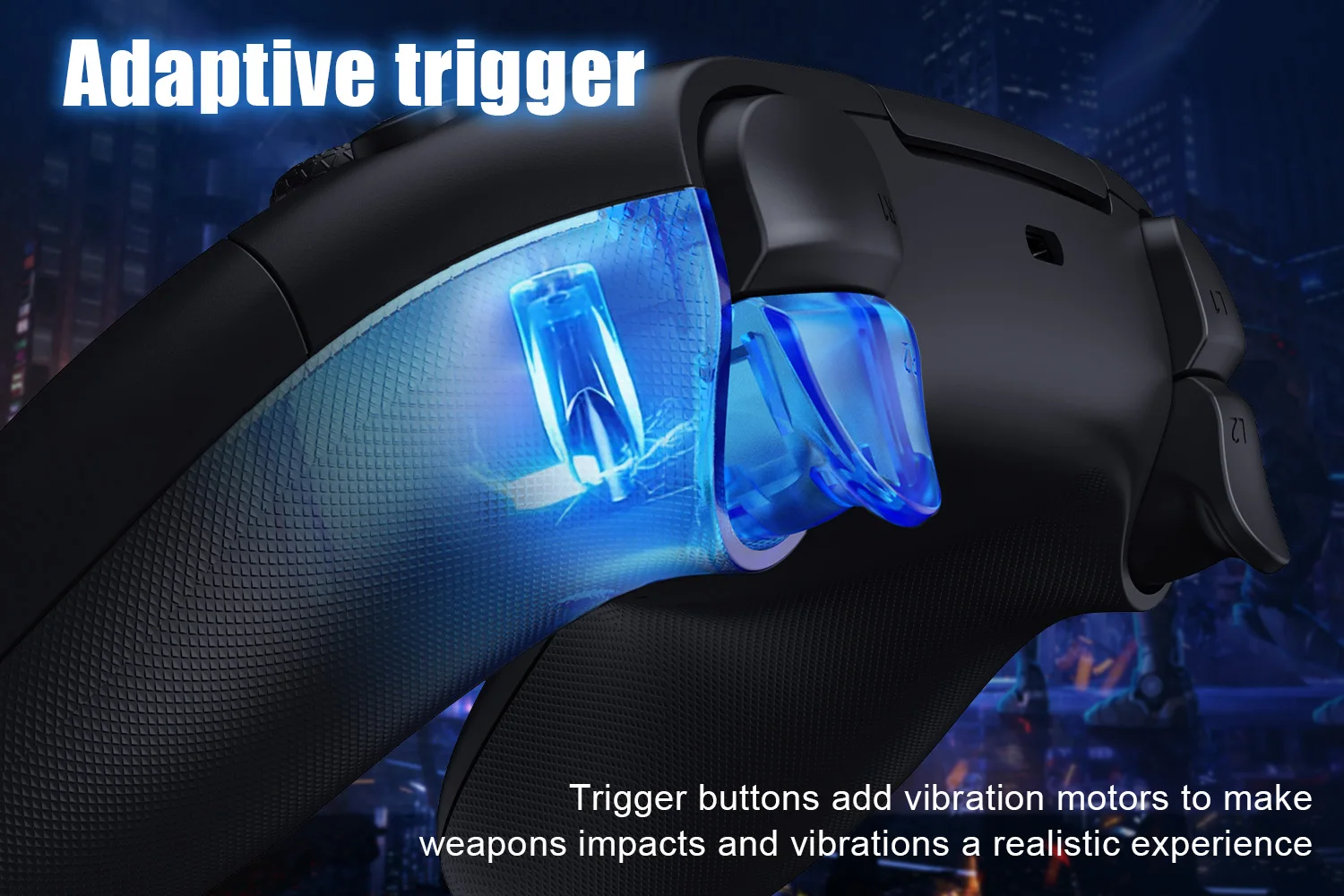
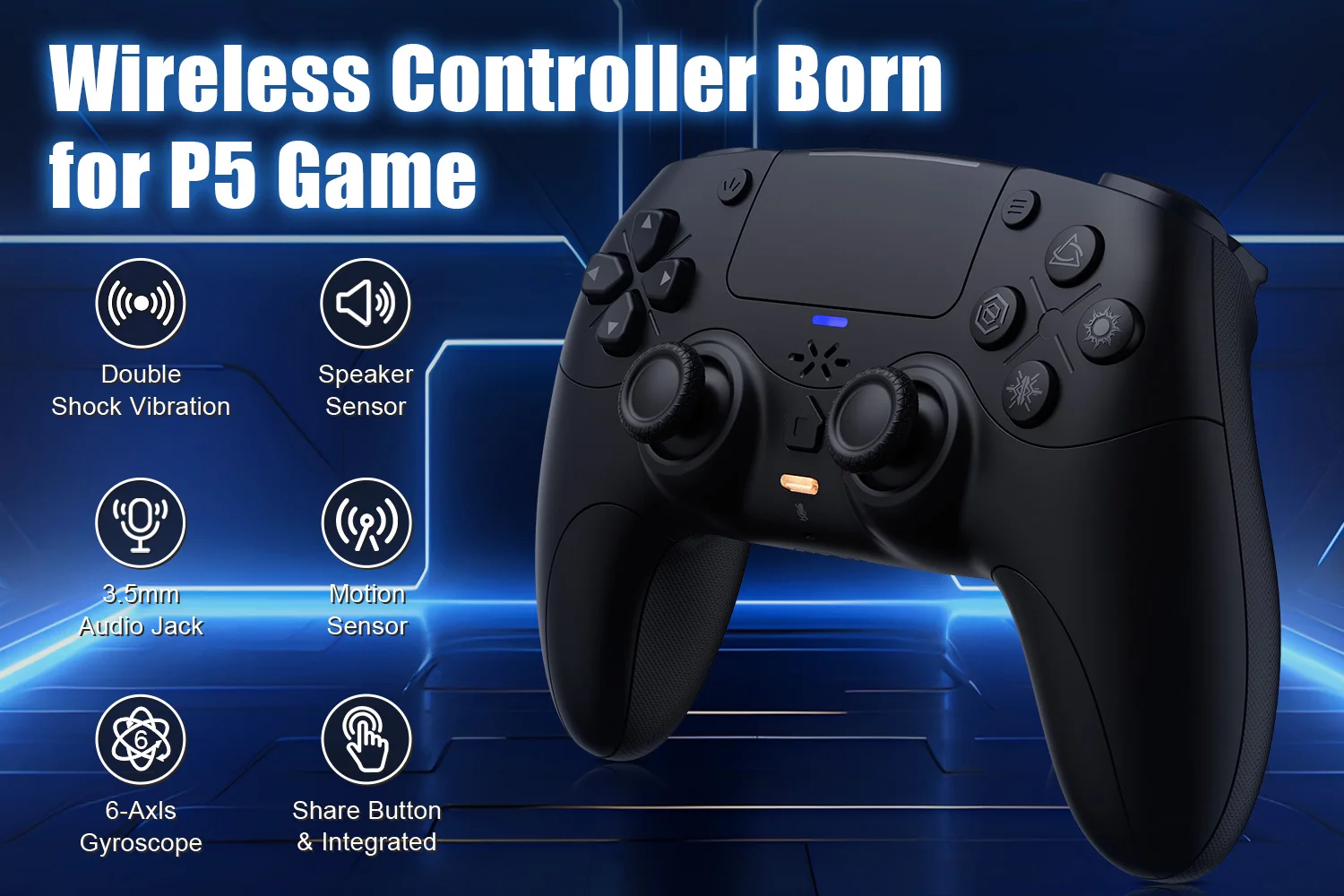
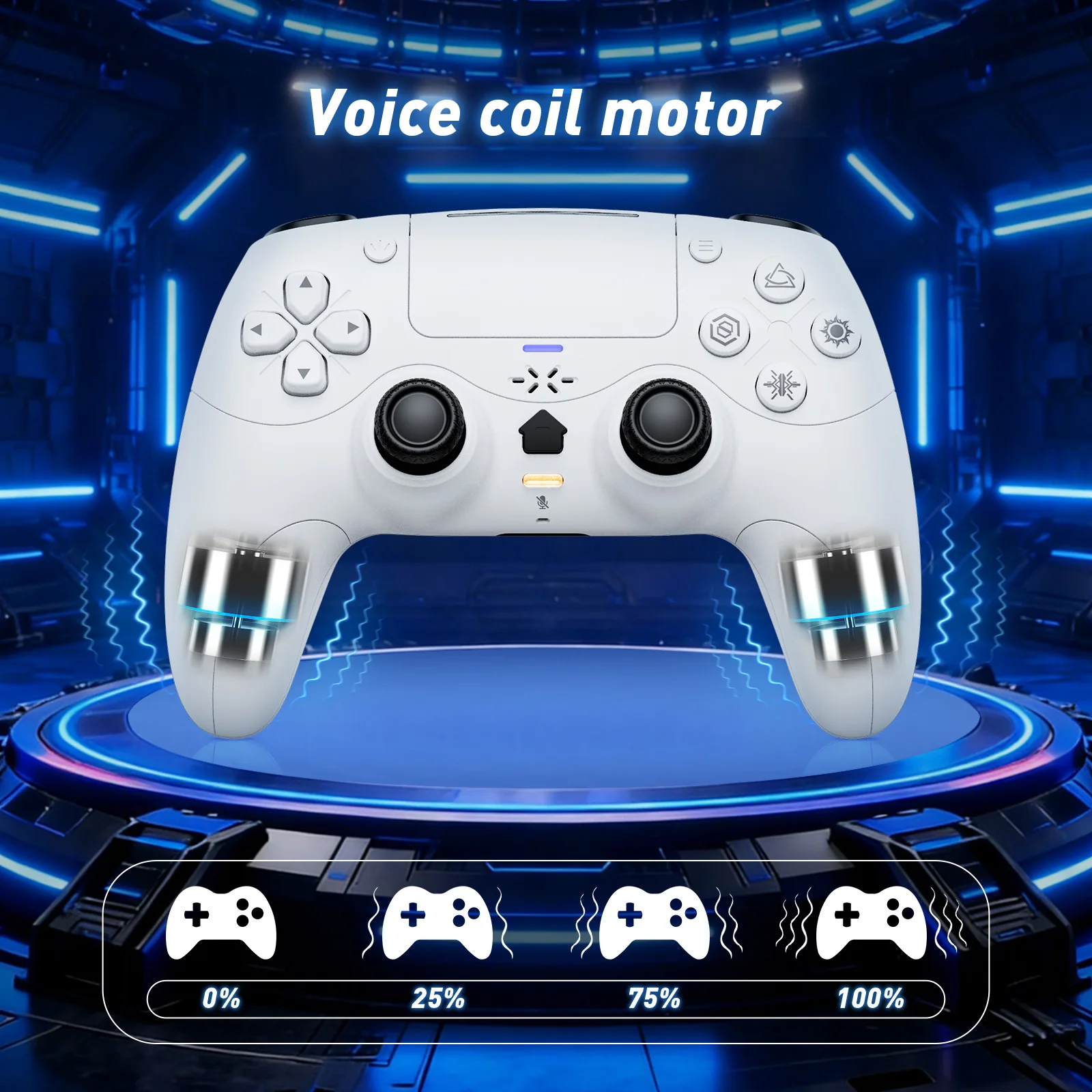
This controller features a linear motor that generates vibrations ranging from extremely weak to strong, adapting to different gaming scenarios and providing users with a better experience.
Triggers and 3D Joystick Calibration:
1.Hold the buttons,then use the USB cable and power on.The Home button will flash quickly.
2. Press L2/R2 triggers 2 - 3 times, rotate those two 3D joysticks 2 - 3 circles each.Then long -press X key for 1 second to confirm. The Home key will stay on.Calibration is done; power off to save.
Triggers and 3D Joystick Calibration:
1.Hold the buttons,then use the USB cable and power on.The Home button will flash quickly.
2. Press L2/R2 triggers 2 - 3 times, rotate those two 3D joysticks 2 - 3 circles each.Then long -press X key for 1 second to confirm. The Home key will stay on.Calibration is done; power off to save.
Shipping & Delivery
Most orders ship within 1–3 business days. Estimated delivery: Standard: 5–10 business days. Some items ship directly from our curated suppliers and may arrive separately. Questions? Email support@thegiftsignal.com
Shipping
We will work quickly to ship your order as soon as possible. Once your order has shipped, you will receive an email with further information. Delivery times vary depending on your location.
Manufacturing
Our products are manufactured both locally and globally. We carefully select our manufacturing partners to ensure our products are high quality and a fair value.
Returns & Refunds
We accept returns within 30 days of delivery on unused items in original packaging. Email support@thegiftsignal.com to start a return. Return shipping is the customer's responsibility unless the item arrived damaged or incorrect.